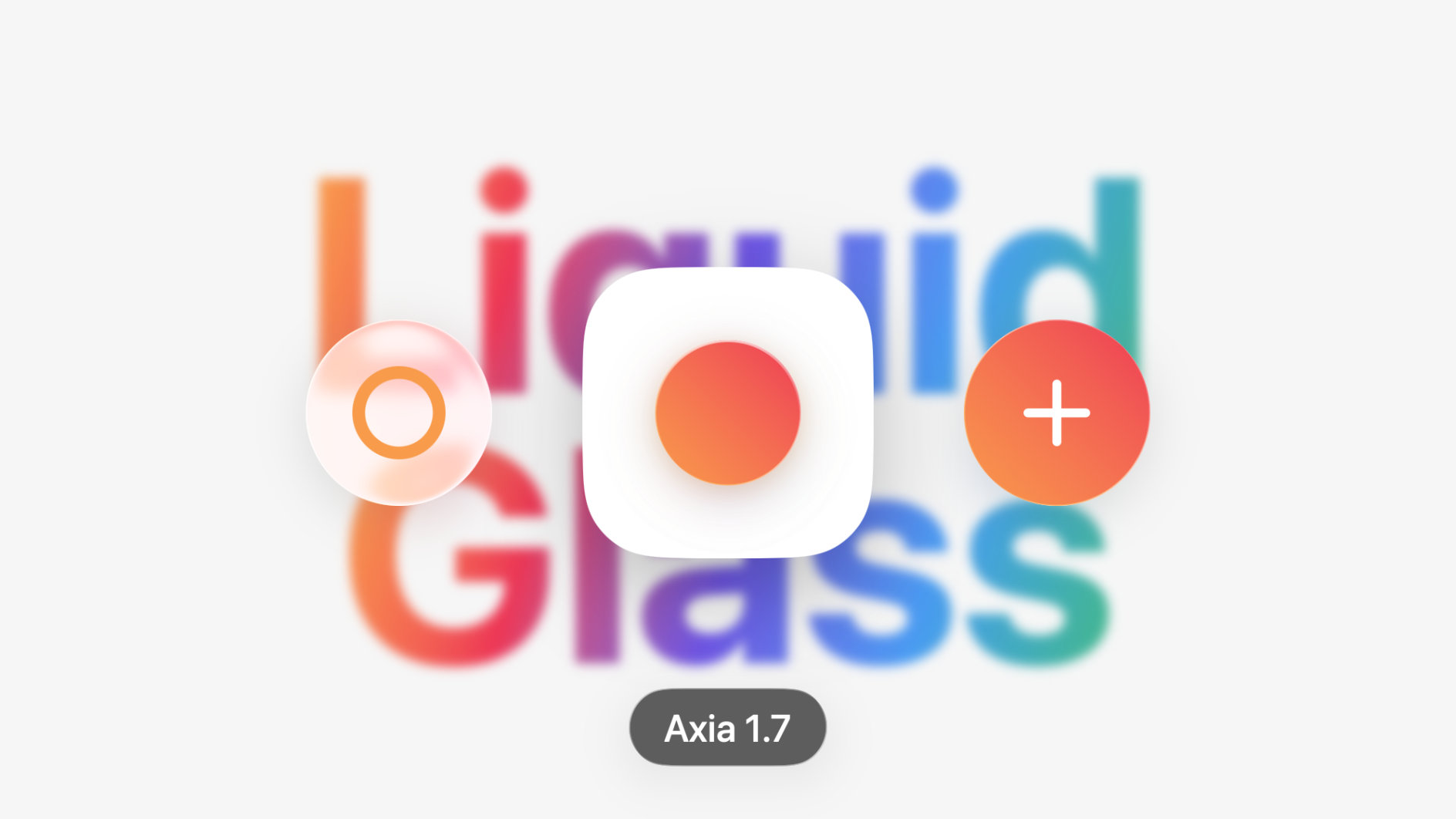
Fresh and clear
We redrew every screen and every icon. You'll notice it most in the small things: rounder corners, a calmer palette, and an activity preview that softly blurs the screen behind it. We don't think Axia has ever looked this light.
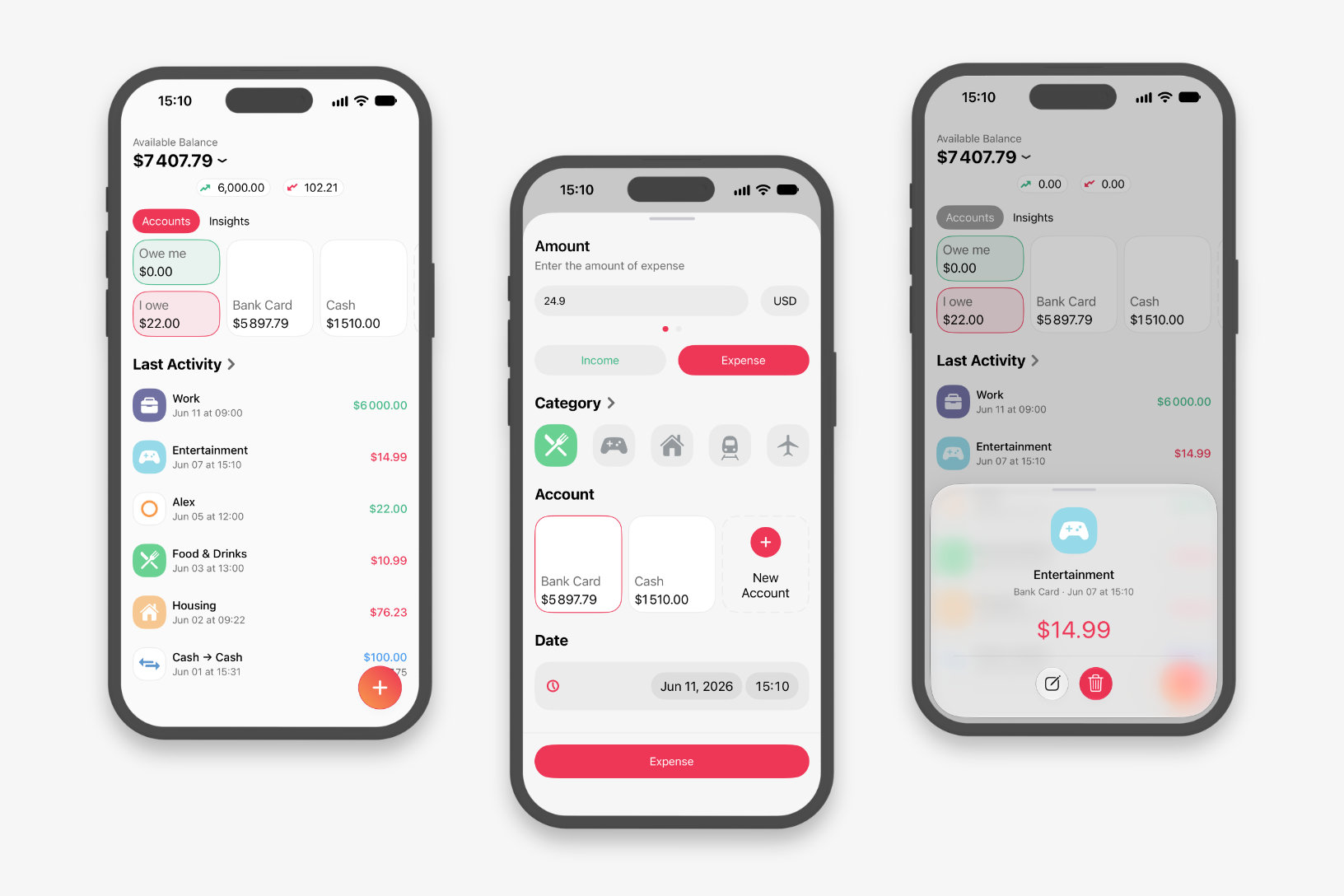
Settings didn't just get a new look — it was rebuilt from the ground up. Navigating it is simpler now, and there's more to do there.
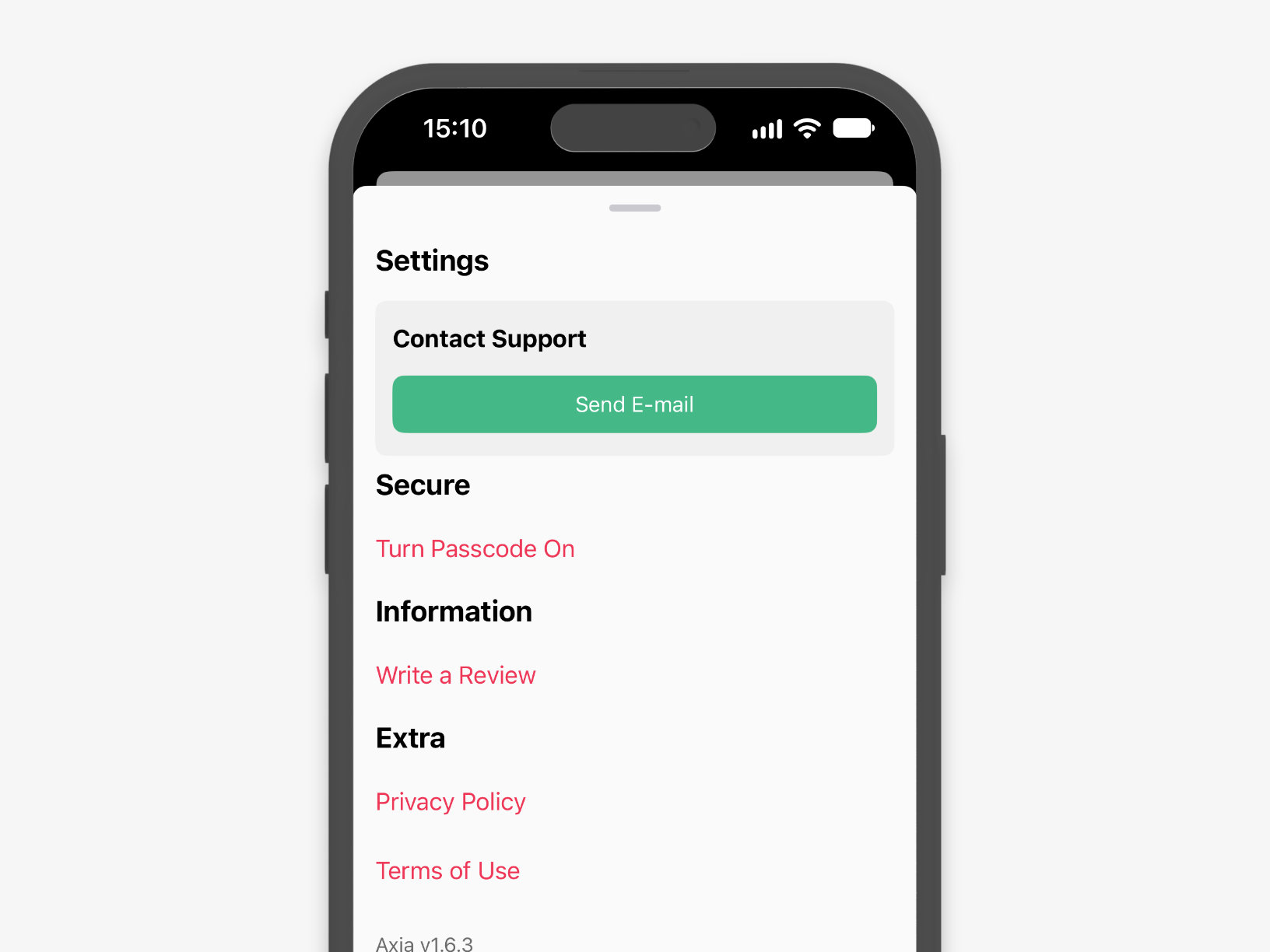
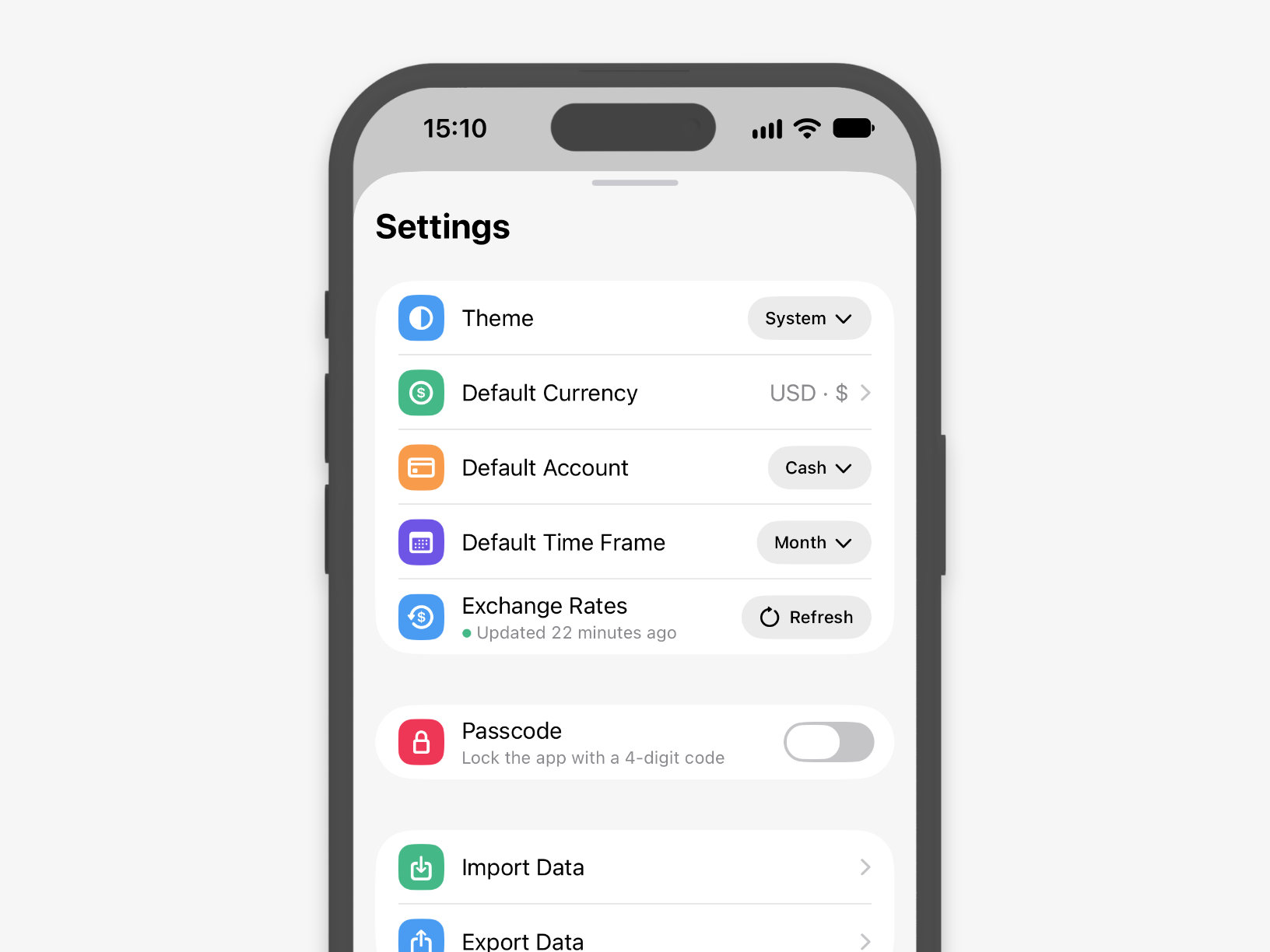
First stop: backup — export all your data to JSON and load it back whenever you need it. The same screen is where you choose how Axia groups your totals — by day, week, month, or year. And the theme can now be set independently of the system one: keep Axia light even when the whole phone is dark.
At the very bottom of Settings we gathered links to our social accounts — follow us to be the first to hear what's new in Axia.
Who owes whom
Lent a friend some cash and forgot all about it? Axia remembers for you now. Create a debt, choose I owe or Owe me, then set the amount, the account, and the person.
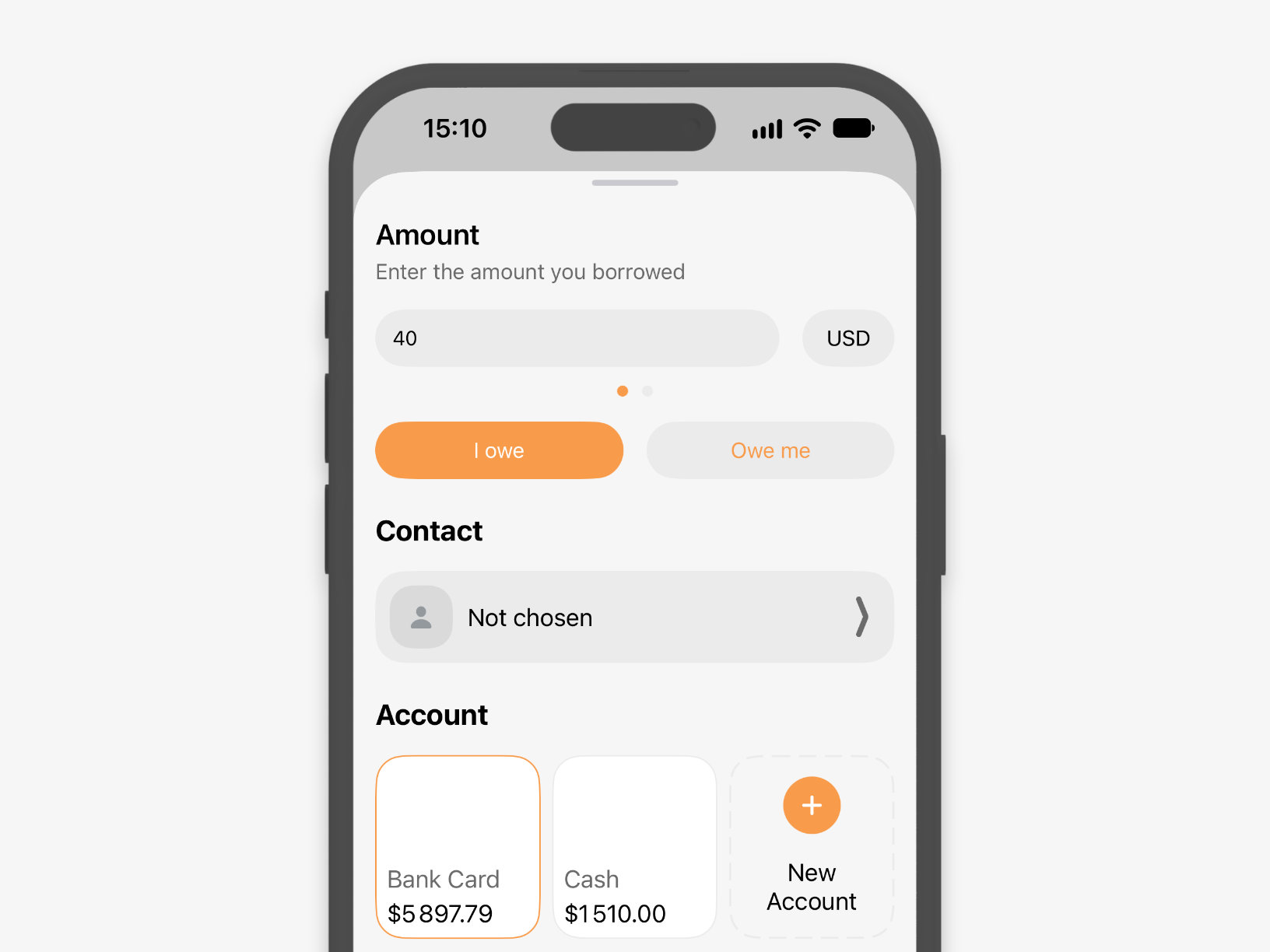
Add a person right in the app or pull one from Contacts. The I owe and Owe me cards on the main screen show the total and the balance for each one. If you've lent in several currencies, Axia shows each of them separately and sums everything up in your main one.
Filters and periods in Activity
Filter your activity by account, category, and currency. Tap an account on the main screen or a category in Insights, and Axia opens Activity with the right filter already applied.
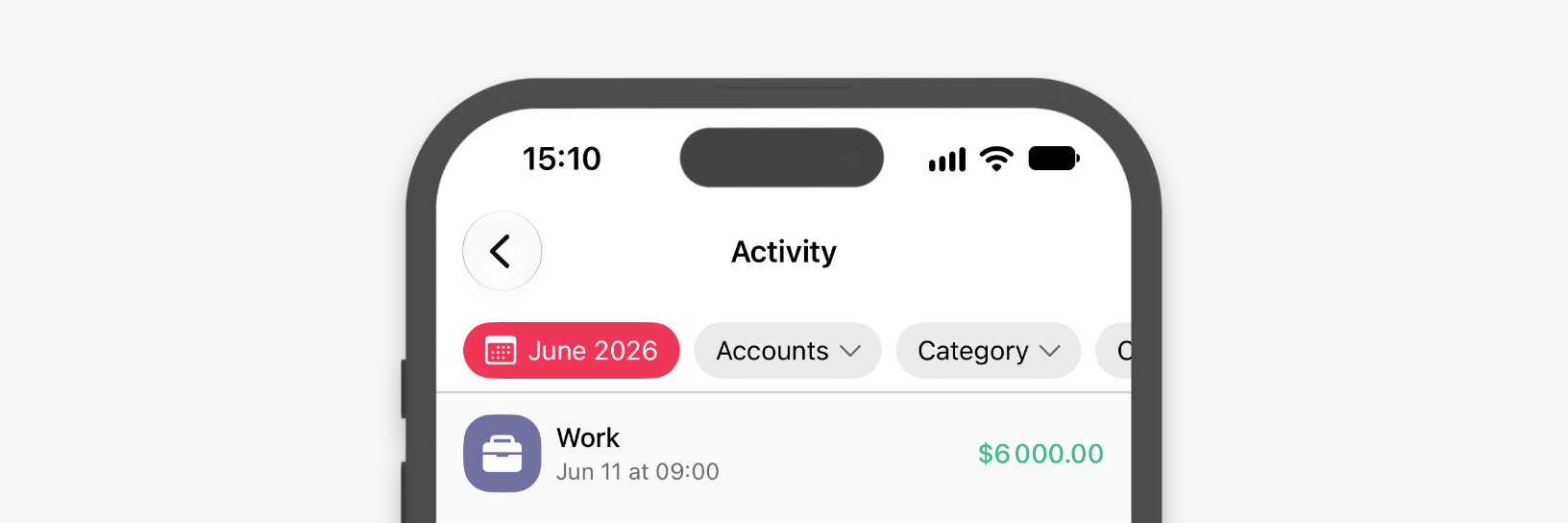
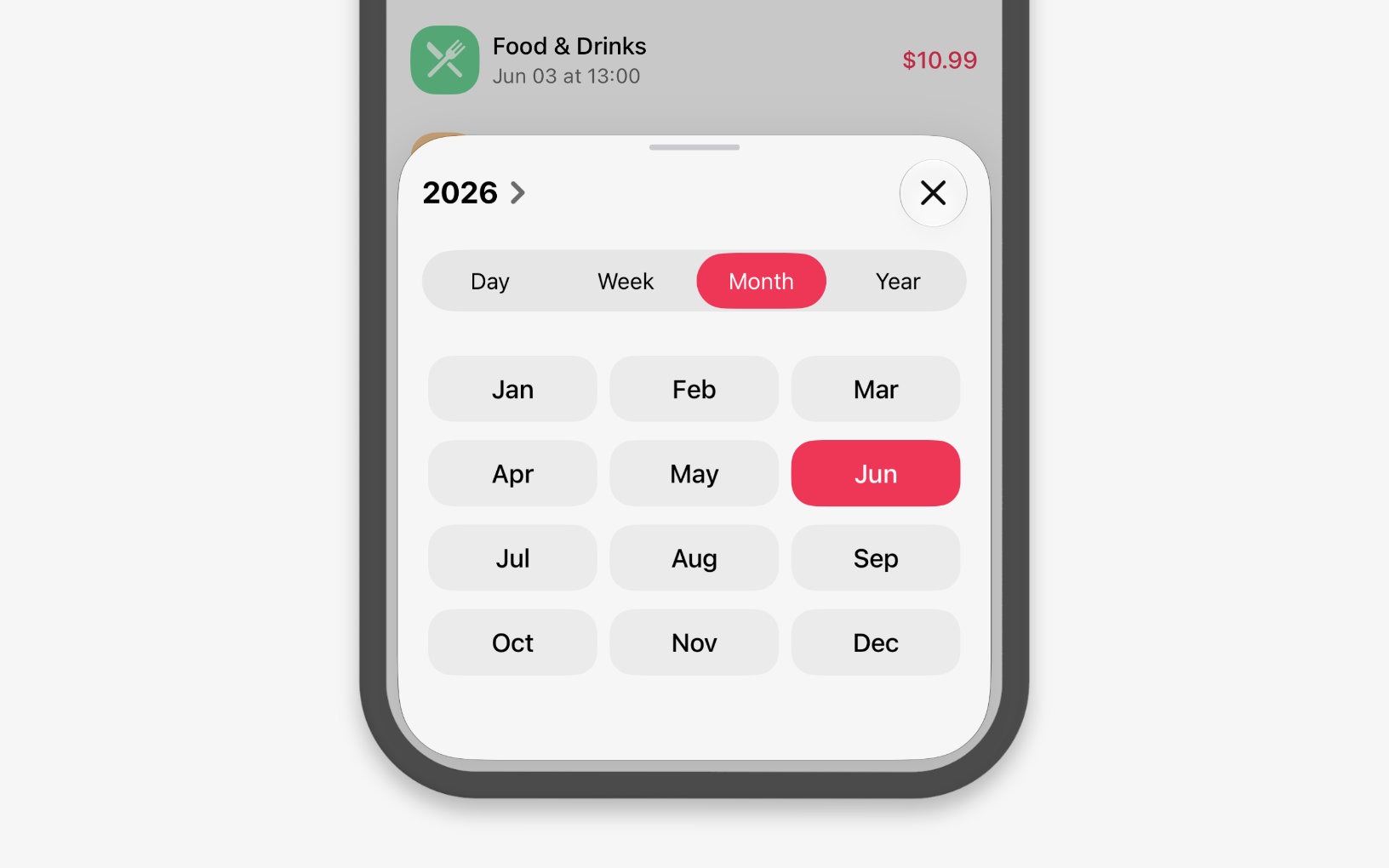
We rebuilt the period picker from scratch: a Day / Week / Month / Year switch with the periods themselves right below it. Picking the one you need or jumping to the next takes a single tap.
And more
- Category icons. They're vector-based now and stay crisp on any screen. We drew 11 new ones: a bank, a barbershop, a brain, a building, a coffee bean, fireworks, a gear, a mountain, popcorn, a puzzle piece, and a wrench with a screwdriver.
- Account order. Drag accounts around however you like. Axia computes balances from the activities themselves, so they always agree with the list.
- Transfers between currencies. Axia converts the amount at the exchange rate for you.
- Calculator. Copy and paste amounts.
- Insights. The average line on the chart shows where you went beyond your usual spending.
- Widget. Exchange rates right on the Home Screen.
- Apple Shortcuts. A new Convert Currency action. In Apple Pay automations, Axia picks the category by the merchant's name on its own.
- Five new languages. German, French, Portuguese, Turkish, and Traditional Chinese. We translated the currency names into every language too.
We put more into 1.7 than into any update before it. We hope you enjoy it.
Update Axia in the App Store — iOS 17 or later is required. The new Liquid Glass look needs iOS 26 or later.